

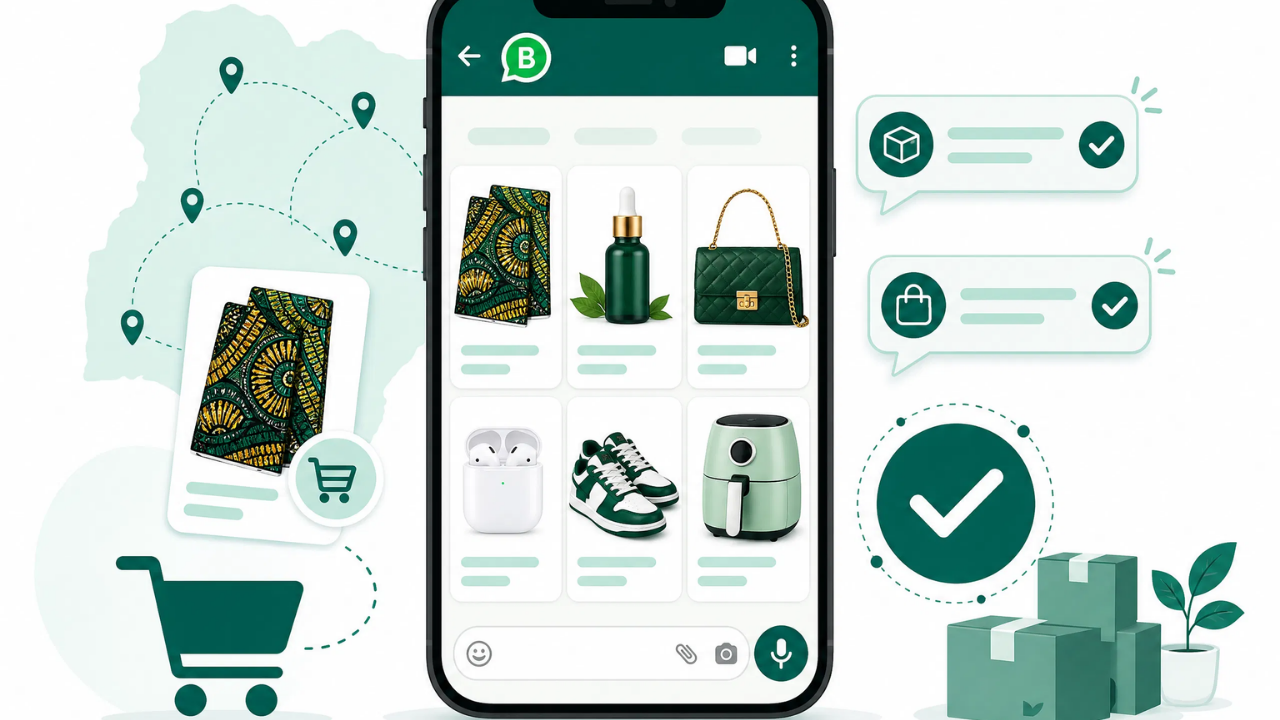
If you’re selling through WhatsApp, chances are your phone gallery is doing double duty as your product catalog and customers are scrolling through old chats just to find what you sell. A proper WhatsApp Business catalog setup fixes that. It gives every product a clean, organized home inside the app, so customers can browse, ask questions, and buy without you retyping the same details for the hundredth time.
Setting it up only takes a few minutes, but getting it to actually convert takes a bit more thought. Here’s how to do both.
WhatsApp Business Catalog Setup: What You Need Before You Start
Before you touch the Whatsapp Catalog menu, make sure two things are in place. First, you need the WhatsApp Business app specifically as catalogs don’t exist on regular WhatsApp. Second, your business profile should already have a name, category, description, and photo filled in, since an incomplete profile is one of the most common reasons catalogs fail to display properly later on.
Once those basics are sorted, gather your product photos and details in advance. Trying to write descriptions and hunt for images while you’re mid-setup slows everything down and often leads to a rushed, half-finished catalog.
How to Create a WhatsApp Catalog Step by Step
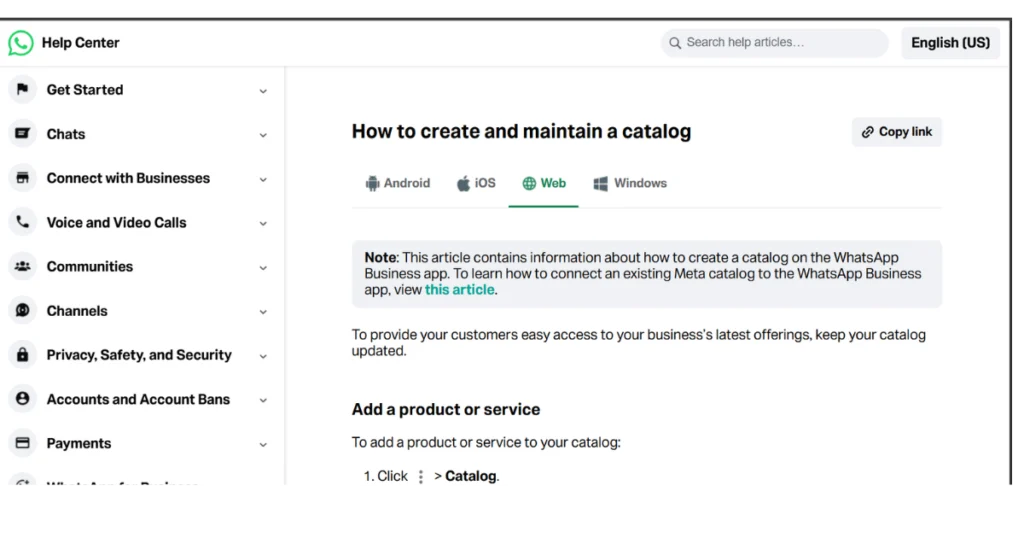
With your profile ready, here’s how do I create a catalog on WhatsApp Business, broken into simple steps:
- Open WhatsApp Business and tap the three dots in the top-right corner, then select Business Tools.
- Tap Catalog, then Add New Item.
- Upload up to 10 images per product, the first image becomes the thumbnail customers see first, so choose your clearest shot.
- Fill in the product name, price, description, and an optional link or item code.
- Tap Save. New items go through a short review before they’re visible to customers.
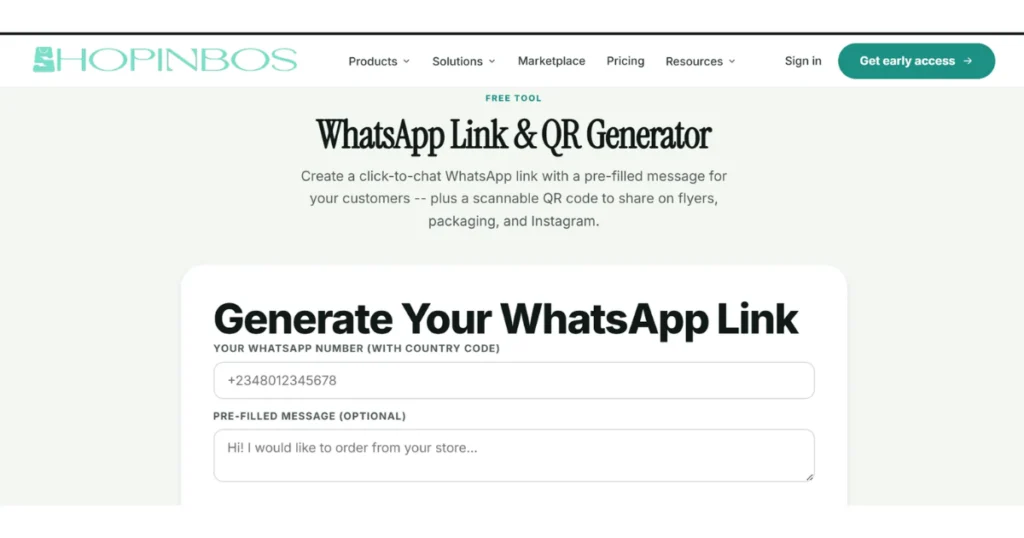
Repeat this for each product, and your catalog is live. From there, you can share your full catalog or a single item directly in any chat, which saves you from typing out the same product list over and over. To make sharing even smoother, a WhatsApp link generator lets customers message you instantly without saving your number first, this is worth pairing with your catalog link on social bios and posts.
Why Doesn’t My WhatsApp Business Have a Catalog?
If the Catalog option isn’t showing up at all, it’s rarely a permanent glitch. The usual culprits are an outdated app version, an incomplete business profile, or items still stuck in review. Updating the app and confirming your profile is fully filled out solves this in most cases.
If items are uploaded but not appearing to customers, check whether they’ve cleared review, WhatsApp checks each new item before it goes live, and this can take anywhere from a few minutes to a day. Clearing the app cache or checking from a second device also helps rule out a display issue rather than an actual setup problem.
How to Maintain and Edit Your WhatsApp Catalog
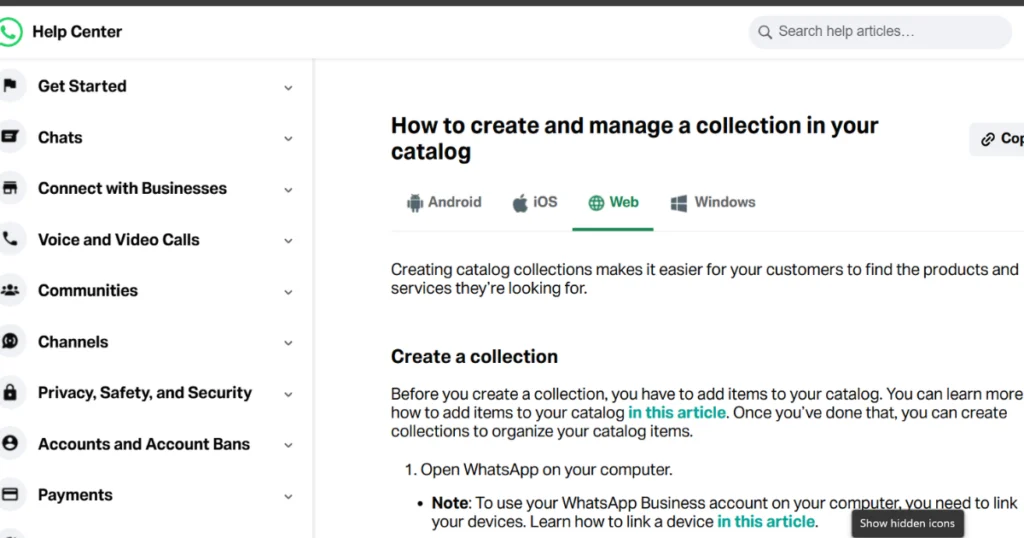
Knowing how to edit catalog on WhatsApp Business matters just as much as the initial setup. Open Business Tools → Catalog, tap the item you want to change, and update the photo, price, or description directly. Consequently, an outdated catalog can hurt you more than having no catalog at all, since customers messaging about a product that’s out of stock or wrongly priced creates exactly the kind of friction a catalog is supposed to remove.
Set a simple habit: review your catalog weekly, remove sold-out items promptly, and refresh photos whenever you have better ones. Additionally, when prices change, update them immediately, a product pricing calculator makes it easier to stay consistent when adjusting for cost changes across multiple items at once.
Making Your Catalog Actually Convert
This is where most guides fall short. A catalog looks professional, but it doesn’t process payments, track inventory, or generate receipts, customers still have to message you, and you still have to close the sale manually. Once you’ve confirmed an order, an invoice generator gives the transaction a professional finish without extra software.
More importantly, a WhatsApp catalog on its own has a ceiling. It’s a browsing experience, not a checkout page. Therefore, pairing it with a real store gives customers somewhere to complete a purchase directly, track orders, and pay without waiting on a chat reply. If you’re ready to go beyond the native catalog, our guide on how to turn WhatsApp into an online store walks through exactly that transition, and this roundup of the best online store builder for WhatsApp vendors breaks down what to look for when you’re ready to upgrade.
Conclusion
A well-set-up catalog turns your WhatsApp chats from scattered product photos into an organized storefront customers can actually browse. However, setup alone won’t drive sales. Regular maintenance, clear pricing, and a smooth path to checkout are what determine whether a browser becomes a buyer. Start with the basics, keep it updated, and layer on the right tools as your customer base grows.
FAQs: Whatsapp Business Catalog
Open WhatsApp Business, go to Business Tools, tap Catalog, then Add New Items. Upload your product photos, fill in the name, price, and description, and save. Repeat for each product you want listed.
This usually comes down to an outdated app version or an incomplete business profile. Updating the app and filling in all your profile details typically resolves it.
Check your catalog weekly, remove items that are sold out, update prices as soon as they change, and refresh product photos whenever you have clearer images available.
Not entirely, the catalog is a browsing tool, not a checkout system. Customers still message you to complete a purchase, which is why many sellers pair their catalog with a proper online store for payments and order tracking.
Ready to grow your own shop?
Shopinbos is free to start. Rex builds your storefront in 90 seconds, Peggy handles the rest.
Get early access