Shopinbos
Log inStart your shop
← Blog
Delivery1 min read · 16 September 2026 · Updated 9 November 2026

“I didn’t order this”: what to do when a delivery goes wrong

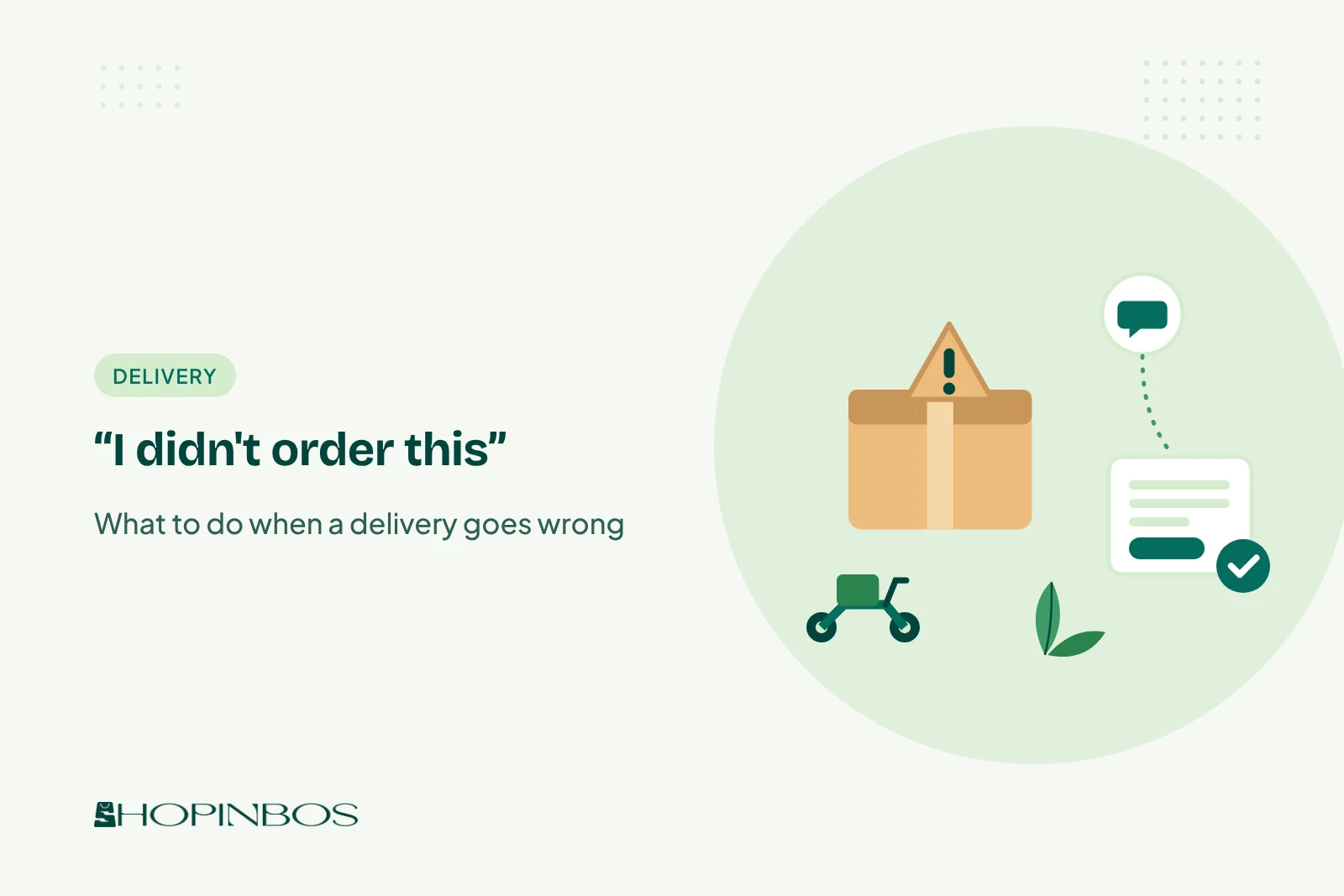
Illustration of a parcel with a warning sign, a delivery rider and a resolved support message: when a delivery goes wrong

A calm, step-by-step way to handle wrong items, no-shows and damaged parcels.

When a delivery goes wrong, stay calm, check the order and ask the customer for a photo before you reply. Then fix it in a way that keeps the customer: swap a wrong item, rebook a no-show once, and replace or refund a damaged parcel. Most problems are mix-ups, not lies.

Sooner or later a delivery goes wrong: the wrong item, a no-show or a damaged parcel. What you do in the next hour decides whether you lose a customer or keep one for years.

What should you do first when a delivery goes wrong?

Before you reply, check the order: what was ordered, what was packed, who delivered and when. Ask the customer for a photo. Most problems are mix-ups, not lies.

What if the customer got the wrong item?

Apologise and send the right one. Ask the rider to collect the wrong item on the same trip. Don’t make the customer pay twice for your mistake.

What if the customer is not around?

If the customer did not confirm, this one is on the process. Confirm every pay on delivery order before booking a rider. If they confirmed and still weren’t there, rebook once and ask for payment first next time.

What if the parcel arrives damaged?

Ask for photos straight away. If the partner damaged it, report it in the app with the photos so the claim goes to them. Send a replacement or refund without waiting for the claim.


44bfa43d31f640de493eb1619f8c6b135c7aaf95de4ea10b4e3d4b608ca8494e

Your shop can be live tonight.

Tell Rex what you sell, add a few photos and share your link before bedtime. Free to start.

+234
✓ No card needed✓ Run it from your phone✓ Help on WhatsApp
78a6733a9877bdd41e6583da623da8c5Fbb05c0155465e806319577bd4ae248e40d2efc9ac6d0abe581922fb431fe08a152b4a28119f59a36609e096218a63258c4b1bbd708b043eefa8b7dfd79b89b178a6733a9877bdd41e6583da623da8c5Fbb05c0155465e806319577bd4ae248e40d2efc9ac6d0abe581922fb431fe08a152b4a28119f59a36609e096218a63258c4b1bbd708b043eefa8b7dfd79b89b1
2ab47b9f28b70e00c3a6651313f4a81494de8ef94cc6898c1e4ea9b9f534347a27cbdd9feb8d8fceed25f824988f862201af1f138e38f9e0cb7966dd032774375ac187f7c7212965a47d0b3268ab21382ab47b9f28b70e00c3a6651313f4a81494de8ef94cc6898c1e4ea9b9f534347a27cbdd9feb8d8fceed25f824988f862201af1f138e38f9e0cb7966dd032774375ac187f7c7212965a47d0b3268ab2138
093071d746fcb16b3ae1ee918b0919c903d40beb7f4fff87a6097f28e0ccfa98E1a6648c9c53610cdbb8ec20c5dde5bf3d8ea72bcf4c6ac0ccfdb18ac9ae6dc149aaca8689ef488a9b24ea9dce101f56093071d746fcb16b3ae1ee918b0919c903d40beb7f4fff87a6097f28e0ccfa98E1a6648c9c53610cdbb8ec20c5dde5bf3d8ea72bcf4c6ac0ccfdb18ac9ae6dc149aaca8689ef488a9b24ea9dce101f56