No ad budget needed. Turn the people who already watch your Status into customers, one post at a time.
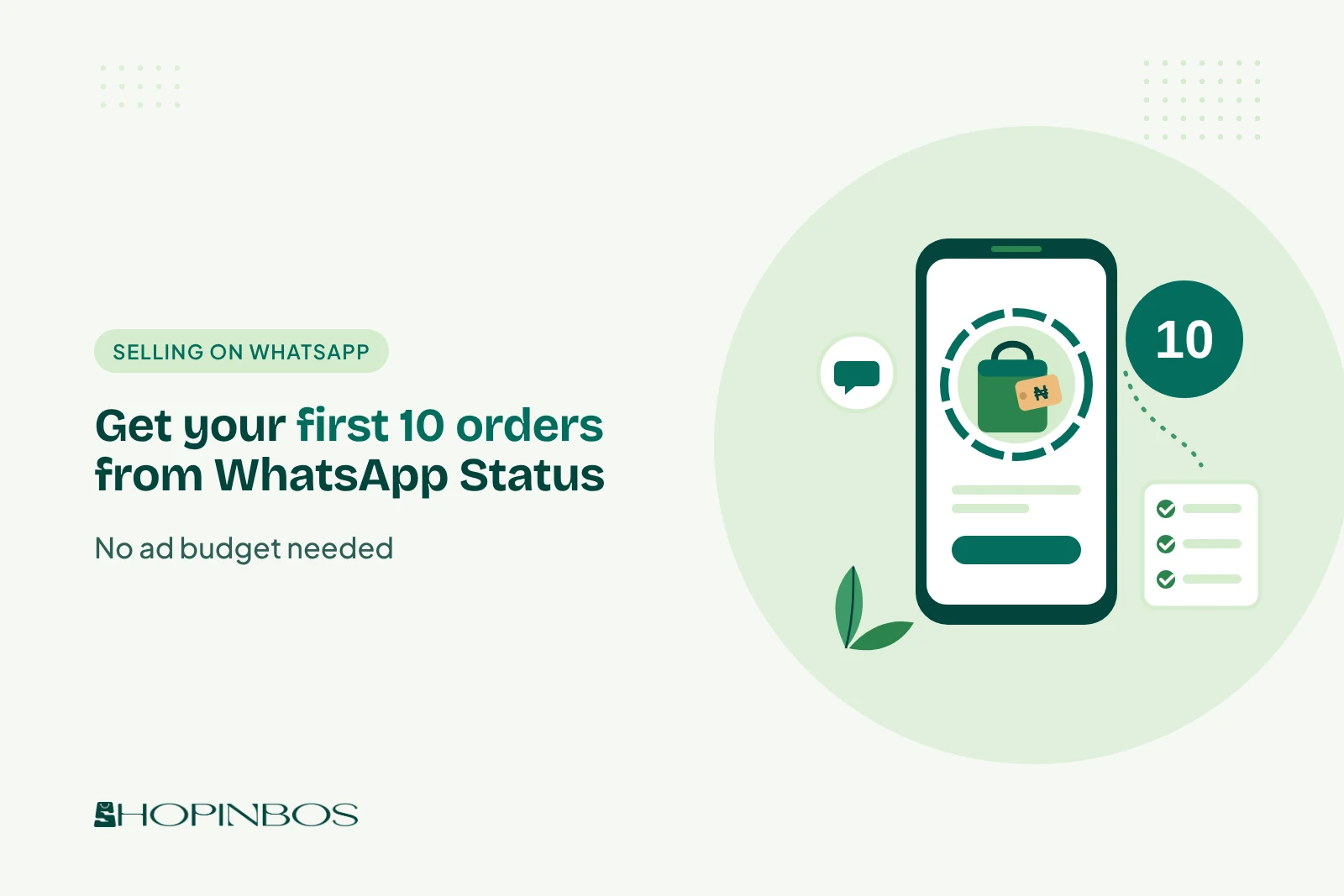
To get your first 10 orders from WhatsApp Status, post products, not just pictures: show the price, size and how to order in every post. Post when people are looking, make ordering one tap with a store link, and reply to everyone who messages you the same day.
Most new shops don’t need an ad budget for their first orders. They need the few hundred people who already watch their WhatsApp Status, and a clear reason for those people to message back.
What should you post on WhatsApp Status?
A pretty picture gets a heart. A product post gets a message. The difference is the details people need to decide in two seconds.
When should you post on Status?
Status disappears after 24 hours, so timing matters. Post your best product when your contacts are most likely to be on their phones.
How do you make ordering easy?
Every extra message between “I want it” and “I’ve paid” is a chance for the customer to get distracted. Put your store link in every third Status so people can order and pay without waiting for you.
How can your customers help you sell?
A photo from a happy customer does more than ten of your own posts. Ask for one after every delivery, and post it the next morning with the product link.
“
I posted the same bag three days in a row, each time with a different customer’s photo. On the third day I sold six.
AAdaezeAdaeze Studio, Yaba · example shop
Why follow up the same day?
Most lost orders are not “no”. They are “later” that nobody followed up. A short, friendly message the same evening brings many of them back.