Starting your own business doesn’t have to drain your savings account. In today’s digital world, launching a free online store is not only possible but surprisingly straightforward. Whether you’re selling handmade crafts, digital products, or drop shipping items, you can build a thriving ecommerce business without spending a dime upfront.
This guide walks you through every step of creating your free online store, from choosing the right platform to making your first sale. We’ll cover proven strategies that successful entrepreneurs use to bootstrap their way to profitability.
Understanding Your Free Online Store Options
Before diving into the setup process, it’s important to understand what “free” means in the ecommerce world. While you won’t pay upfront costs, most platforms operate on a freemium model where you can start for free but may need to upgrade as you grow.
A free online store typically includes basic features like product listings, payment processing, and simple customization options. These free tiers are designed to help beginners test their business ideas without financial risk. Popular platforms like Shopify free ecommerce plan, and Square offer robust free plans that can support small businesses effectively.
The key is choosing a platform that aligns with your business model and growth plans. Some focus on simplicity and ease of use, while others offer more advanced customization options. Consider factors like transaction fees, storage limits, and available integrations when making your decision.
Step 1: Choose Your Free Ecommerce Platform
Your platform choice will determine your store’s functionality, appearance, and scalability. Here are the top options for creating a free online store:
Shopify Free Trial: Offers a 3-day free trial and subsequent low cost plan of US$1/month for three months on any select plans with full access to premium features. While not permanently free, it gives you time to generate revenue before paying fees.
Square Online: Provides a genuinely free plan with Square branding. Perfect for small businesses that want professional features without monthly fees.
Facebook Shop and Instagram Shopping: Leverage your social media presence to sell directly through these free platforms.
Each platform has unique strengths. Shopify offers the most flexibility, Square Online provides excellent point-of-sale integration, and social media platforms give you access to built-in audiences.
Step 2: Select Your Products and Niche
Successful online stores often start with a focused product selection. Instead of trying to sell everything, identify a specific niche where you can become the go-to solution.
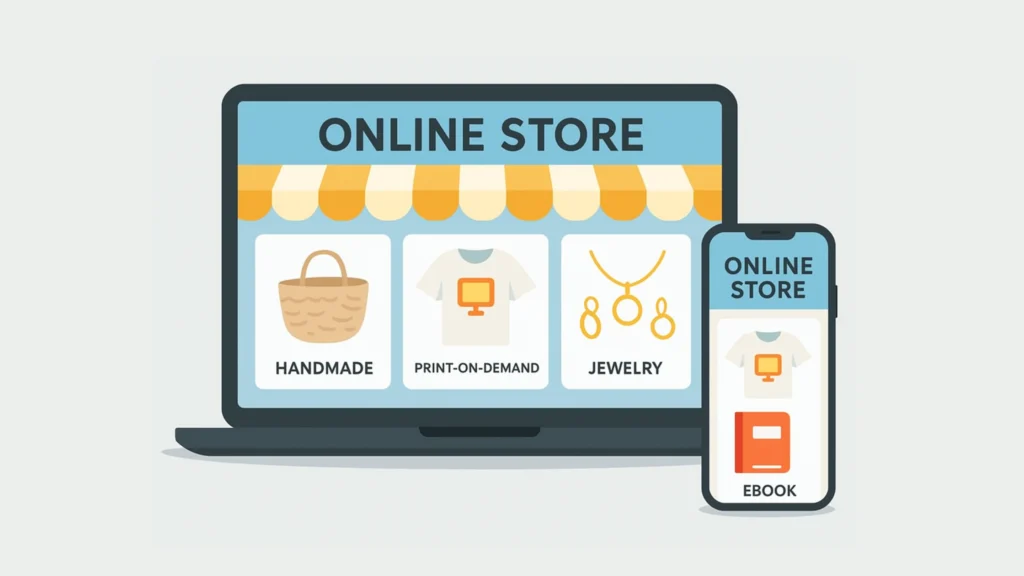
Consider these low-cost product options:
– Digital products (ebooks, courses, templates)
– Drop shipping items (no inventory required)
– Print-on-demand merchandise
– Services and consultations
– Handmade items using materials you already have
Research your chosen niche thoroughly. Use free tools like Google Trends, Answer The Public, and social media groups to understand what your potential customers want. Look for gaps in the market where existing solutions are expensive or inadequate.
The beauty of starting with a free online store is that you can test different products without significant financial risk. Start with one or two items and expand based on customer feedback and sales data.
Step 3: Set Up Your Store Structure
Once you’ve chosen your platform, it’s time to build your free online store. Focus on creating a clean, professional appearance that builds trust with potential customers.
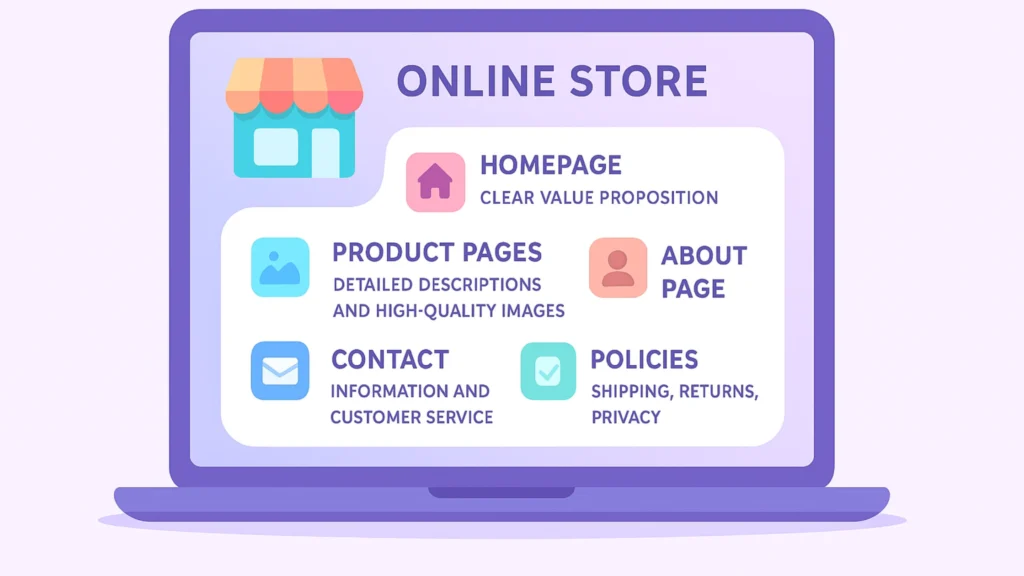
Essential pages for your store include:
– Homepage with clear value proposition
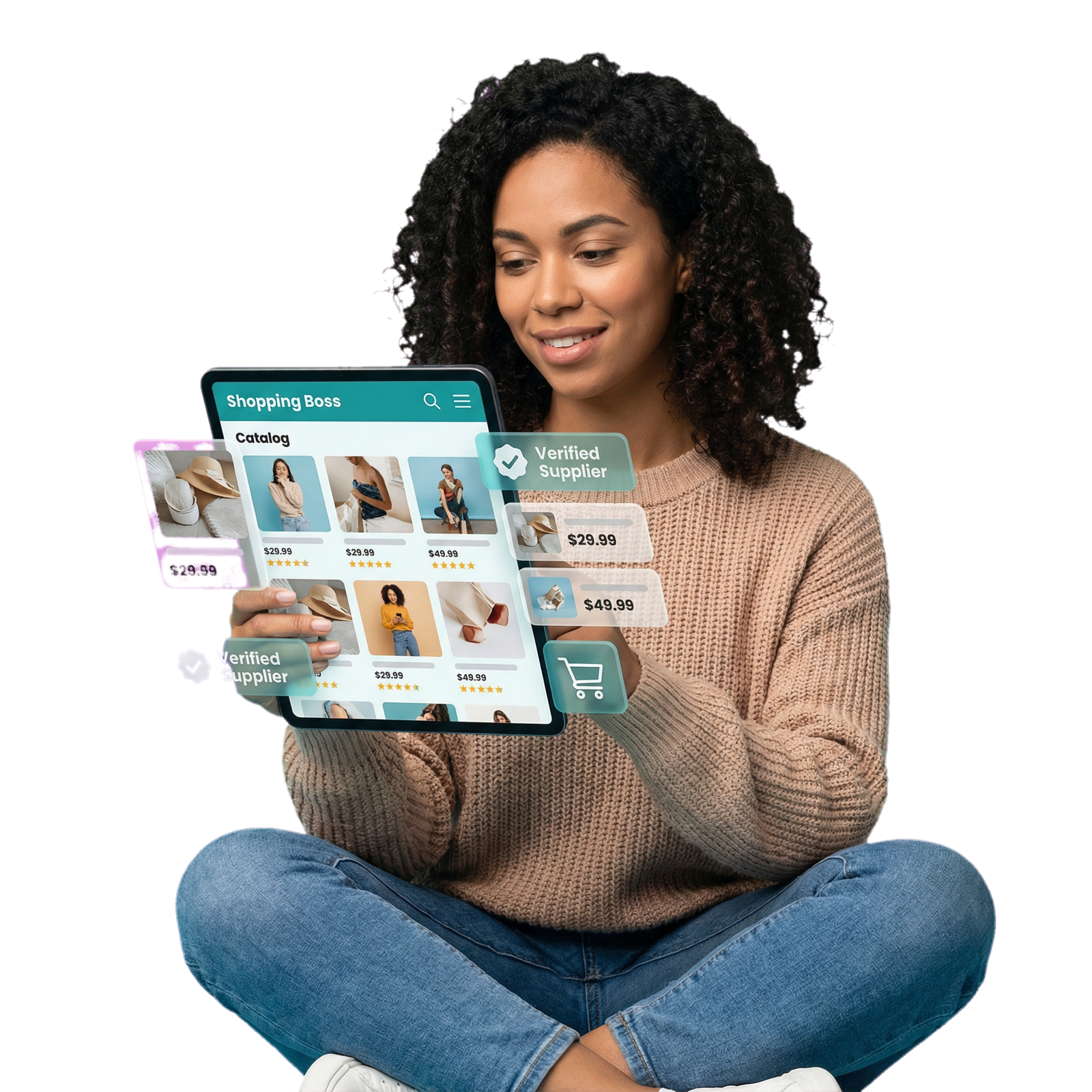
– Product pages with detailed descriptions and high-quality images
– About page that tells your story
– Contact information and customer service details
– Shipping and return policies
– Privacy policy and terms of service
Keep your navigation simple and intuitive. Customers should be able to find products and complete purchases within a few clicks. Use free stock photos from sites like Unsplash or Pexels if you don’t have professional product images yet.
Most free online store platforms provide templates that you can customize with your branding. Choose colors and fonts that reflect your brand personality while maintaining readability and professionalism.
Step 4: Configure Payment Processing
Setting up payment processing for your online store is crucial for converting visitors into customers. Most free online store platforms include integrated payment solutions, though they typically charge transaction fees.
Popular payment options include:
– PayPal (widely trusted, easy setup)
– Stripe (professional appearance, competitive rates)
– Square (excellent for businesses with physical locations)
– Platform-specific solutions (Shopify Payments)
Consider offering multiple payment methods to accommodate different customer preferences. Some shoppers prefer PayPal for security, while others want to use credit cards directly.
Be transparent about any additional fees or shipping costs during checkout. Hidden costs are a major reason for cart abandonment and can damage your reputation before you even get started.
Step 5: Optimize for Search Engines
Search engine optimization helps potential customers find your online store when they’re looking for products like yours. Even without a marketing budget, you can improve your visibility through strategic SEO practices.
Start with keyword research using free tools like Google Keyword Planner and Ubersuggest. Focus on long-tail keywords that are specific to your products. For example, instead of targeting “jewelry,” try “handmade silver earrings for sensitive ears.”
Optimize your product titles, descriptions, and meta tags with relevant keywords. Write unique, helpful product descriptions that answer customer questions and highlight benefits.
Create valuable content around your niche. Blog posts, how-to guides, and product comparisons can attract organic traffic and establish your expertise in your field.
At Shopinbos, we specialize in helping new ecommerce entrepreneurs navigate the complexities of online marketing and SEO. Our beginner-friendly guides and tools can help you optimize your online store for maximum visibility and sales, even if you’re starting with zero marketing experience.
Step 6: Launch and Promote Your Store
With your free online store ready, it’s time to start driving traffic and making sales. Since you’re operating without a marketing budget, focus on free promotional strategies that deliver results.
Social media marketing is your best friend. Create business accounts on platforms where your customers spend time. Share behind-the-scenes content, customer testimonials, and product demonstrations to build engagement.
Leverage your personal network by asking friends and family to share your store with their contacts. Word-of-mouth marketing is particularly powerful for new businesses because it comes with built-in trust.
Consider partnerships with other small businesses or influencers in your niche. Cross-promotion can help you reach new audiences without spending money on advertising.
Email marketing remains one of the most effective channels for ecommerce businesses. Start collecting email addresses from day one and send regular updates about new products, sales, and valuable content.
Common Pitfalls to Avoid
Learning from others’ mistakes can save you time and frustration as you build your free online store. Here are the most common pitfalls new entrepreneurs encounter:
Don’t neglect customer service. Responding quickly to inquiries and resolving issues professionally builds trust and encourages repeat business.
Avoid the temptation to add too many products too quickly. It’s better to have a few well-presented items than a cluttered store with poor product descriptions.
Don’t ignore mobile optimization. More than half of online shopping happens on mobile devices, so your online store must work perfectly on smartphones and tablets.
Keep detailed records of your sales, expenses, and customer interactions from the beginning. This data becomes invaluable as you scale your business.
Growing Beyond Your Free Online Store
As your free online store gains traction, you’ll eventually need to consider upgrading to paid plans or investing in additional tools. The good news is that by this point, you should be generating revenue to support these investments.
Signs it’s time to upgrade include hitting product or bandwidth limits, needing advanced features like abandoned cart recovery, or wanting to remove platform branding from your store.
Plan your upgrades strategically. Invest in features that directly impact sales or significantly improve customer experience before spending money on nice-to-have additions.
Frequently Asked Questions
Can I really start an online store with absolutely no money?
Yes, several platforms offer genuinely free plans that include everything you need to start selling. While you’ll eventually want to upgrade for additional features, you can launch and test your business idea without any upfront investment.
What’s the catch with free online store platforms?
Most free plans include platform branding, limited storage or bandwidth, and transaction fees on sales. Some also restrict the number of products you can list. However, these limitations are reasonable trade-offs when you’re starting without capital.
How long does it take to set up a free online store?
With the right preparation, you can have a basic store running within a few hours. However, creating quality product descriptions, taking photos, and setting up all your policies might take several days to do properly.
Do I need technical skills to create a free online store?
Modern ecommerce platforms are designed for beginners. If you can use social media or email, you can create an online store. Most platforms offer drag-and-drop builders and step-by-step tutorials to guide you through the process.