It should not be heard of in 2026, that the one thing standing between your beautiful product idea and your first sale is not knowing how to create Shopify store with AI. If this is where you’re currently stuck at, we’re here to help you move forward.
In 2026, AI has completely changed what it means to create an online store and yes that includes a Shopify store. You don’t need a developer, a design background, or a big budget to launch something that looks professional and converts. You just need to know which tools to use and how to use them.
Entrepreneurs who know how to use AI to create their Shopify stores move faster, spend less, and sell sooner. This guide shows you exactly how to be part of this set of entrepreneurs from choosing the right AI tool to launching a store that’s ready to sell.
How to Create Shopify Store with AI

By now you should already know that different AI comes with different vibes and capabilities which means that you must know the difference to save you from investing your time and creativity in working with the wrong one.
To create your Shopify store, there are two main types to look out for: fully automated store creators and assisted store creators.
Fully automated builders take your business idea and preferences and build your entire store from scratch while assisted builders speed up specific tasks like writing descriptions or optimizing SEO while you handle the overall setup.
If you’re starting from zero and want to go live fast, a fully automated builder is your best move, and if you already have a store and just want to speed up content and design, an assisted tool works better. Either way, AI reduces setup time from weeks down to hours.
Which AI Can Build Your Shopify Store?

The question everyone and their mother is asking in 2026 is “which AI can build my shopify store”, but ask no further because you’re exactly where the answer is.
Here are the standout options, each serving a different need.
Shopify Magic (Built-In, Free): This works directly inside your Shopify dashboard. It understands your products, store data, and brand tone, and generates relevant content without long prompts. This is where you want to start as a new store owner.
Shopify AI Store Builder (Native Tool): All you have to do here is describe your niche in a few words and Shopify instantly generates three fully designed store layouts pre-populated with products, images, descriptions, and SEO content. No experience building an online store? worry not, this is one of the best AI Shopify store builders for getting live fast
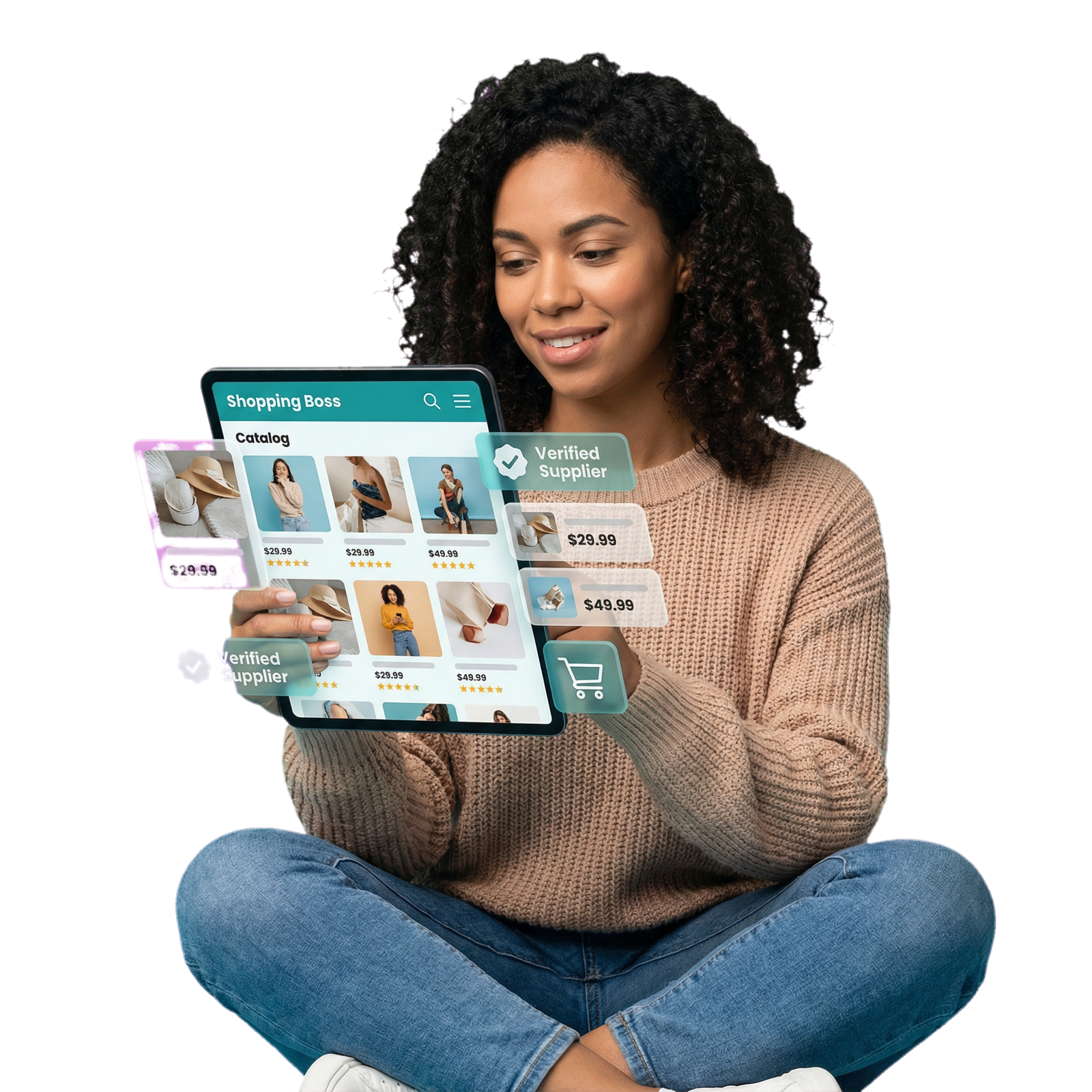
Storebuild.ai (Best for Dropshippers): With this, you can build a complete Shopify store from a single product link in five minutes. It automates niche selection, SEO content, and supplier connections and it is completely free, you just cover your regular Shopify subscription.
Atlas (Best for Product-First Stores): Atlas turns any product into a fully built store in minutes. AI handles design, copy, and product photos automatically, with bundle offers and cart upsells built in for conversion from day one.
PagePilot (Best for Product Pages): Converts AliExpress links into conversion-optimized product pages with a single click. This is a time-saver for dropshippers who need strong pages without writing everything from scratch.
How to Use AI to Create Your Shopify Store: Step-by-Step
Here’s how to put these tools to work and launch your store.
Step 1:
Define your niche and products first. AI works best with clear direction. Know what you’re selling, who you’re selling to, and what makes your store different. The more specific you are, the better your AI-generated content will be.
Step 2:
Sign up for Shopify and access your tools. Shopify offers a $1/month trial for the first 3 months. Start with the Basic plan. Shopify Magic activates automatically in your dashboard, and the AI Store Builder is available directly from the tools section.
Step 3:
Generate your store layout. Use the Shopify AI Store Builder or your chosen third-party tool to generate your initial storefront. Describe your niche, select the layout you like, and let AI do the first build and voila your functional, designed store in minutes, ready to launch.
Step 4:
Use AI to write your content and essential pages. Shopify Magic generates product descriptions, blog posts, and email campaigns from your product information. Use it to fill your store with quality content. Also set up your essential pages like About Us, Shipping Policy, Return Policy, and Contact to build trust and support a strong online store design.
Step 5:
Set up payments, shipping, and run your launch checklist. Connect Shopify Payments, PayPal, or Stripe, and configure your shipping zones. Double-check your website launch checklist and test every link, confirm that mobile checkout works, and verify that tracking pixels fire correctly before going live.
Step 6:
Go live and start marketing. Use ecommerce marketing strategies like short-form video on TikTok, SEO blog content, and email campaigns to drive traffic. These are the best practices that boost your ecommerce sales, because you’re building a system that brings the right people to a store already set up to convert them.
5 Tips for Choosing the Best AI Shopify Store Builder
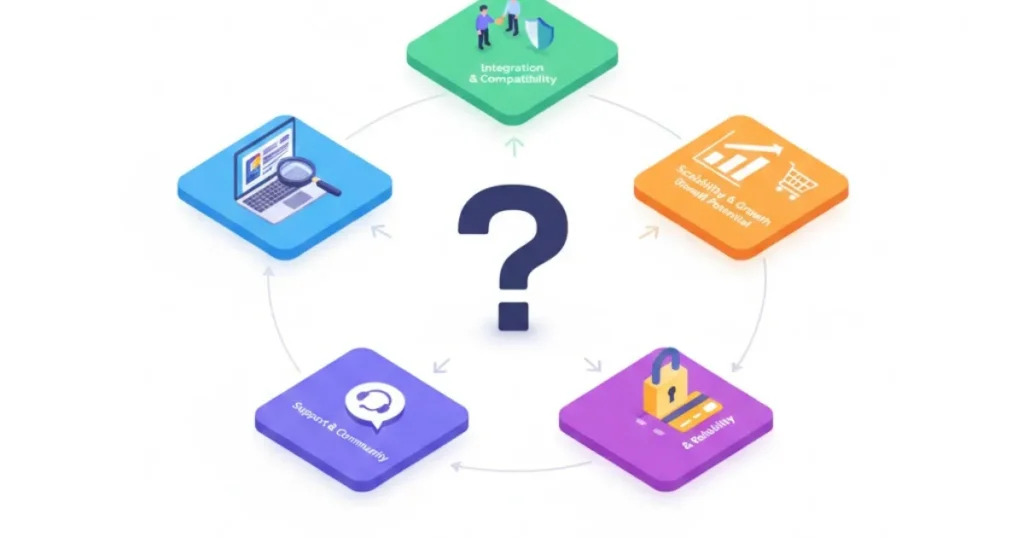
With so many AI tools out there, picking the right one makes a real difference. Here’s what to look out for.
- Match the tool to your goal: A dropshipper launching their first store has different needs than an established brand adding a Shopify channel. Choose a tool built for your specific situation, not the most feature-rich option available.
- Check how much it automates: Some tools call themselves AI builders but only assist with content. If you want to build an ecommerce store from scratch with minimal effort, look for tools that generate full layouts and not just descriptions.
- Confirm Shopify integration is seamless: Third-party AI builders should connect directly to your Shopify dashboard without technical workarounds. Clunky integrations can cost you time you should be spending on sales.
- Evaluate the real output quality: Test demo stores, study real-world examples, and judge the design output honestly before spending money. A fast builder that produces generic-looking results won’t help you stand out.
- Understand the full cost: Some AI builders are free to start but stack up costs as you scale. Know the full pricing model, including app subscriptions and upgrade tiers before you invest in it.
Build Your AI Shopify Store with ShopinBos

Getting AI to create your Shopify store is one side of the equation, having the right partner to make sure it performs well is the other. At ShopinBos, we give entrepreneurs the best of both worlds, AI-powered tools that set up and optimize your store fast, paired with strategic support that makes sure your store converts from day one and keeps growing from there.
Whether you’re a first-time online store owner or expanding an established brand into a new ecommerce channel, ShopinBos works alongside you at every stage. We’re not just a build ecommerce store tool, we’re an ecommerce enablement partner.
From your first product page to your first thousand orders, ShopinBos gives you the tech, the guidance, and the team that makes building with AI feel less like guesswork and more like a genuine head start.
Create your store with ShopinBos today!
FAQs About AI Shopify Store Builder
Yes. Tools like Shopify’s native AI Store Builder and Storebuild.ai generate a fully functional Shopify store with layouts, product pages, and SEO content in minutes. You still review and customize the output, but the design and content creation happen automatically.
Yes. Shopify Magic is free for all subscribers. It activates inside your dashboard automatically and handles product descriptions, email content, blog posts, and more at no extra cost beyond your Shopify plan.
No. The best AI Shopify store builders are designed specifically for people with no coding or design background. You can have a store ready to sell in just a couple of clicks but if you simply don’t have the time, you can partner with an ecommerce enablement platform like ShopinBos , sit back and get a fully functional store, built for sales.