Like any other first time seller, you’ve found your products, set up your shop, and made your first sales, but as orders trickle in, a new challenge emerges: keeping track of it all and all of a suddenly you ask yourself, “How much of this do I have left?” “Did I just sell the last one on Amazon but also on my Shopify store?” If this sounds familiar, this is where an inventory management app becomes your new best friend.
For small sellers, the right inventory management app isn’t a luxury; it’s a necessity for survival and growth of the business. It replaces messy spreadsheets, frantic manual counts, and the fear of overstock or deadstock. In this article we will walk you through the key benefits, what to look for, and some top-tier options to consider, all in simple, straightforward steps.
What is an Inventory Management App?
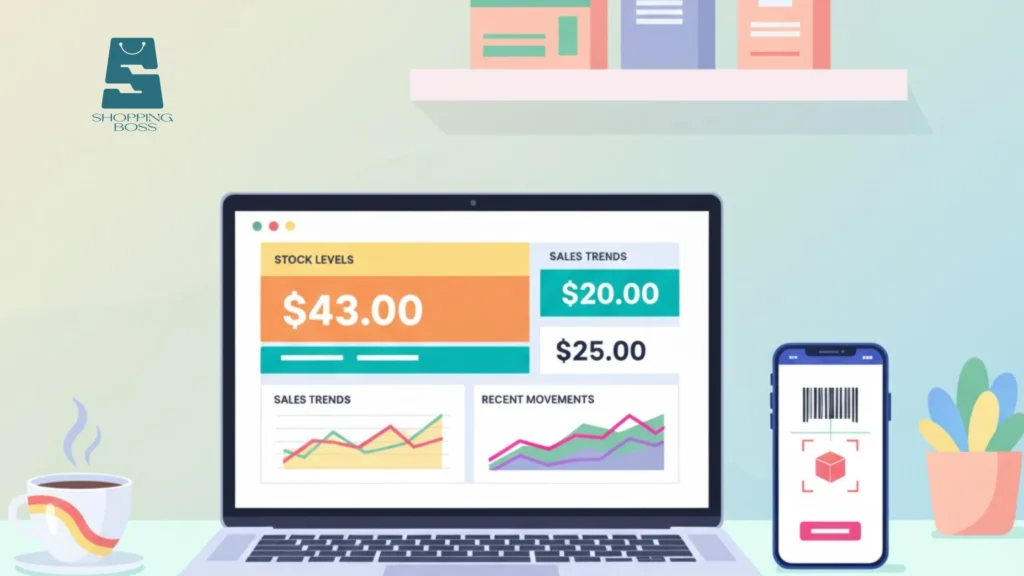
Many new sellers underestimate how complex inventory can become, even with just a handful of products. An inventory management app is essentially your business’s central brain for all things stock. It’s a software tool (often cloud-based) that lets you track inventory levels, orders, sales, and deliveries in real-time. Think of it as a digital ledger that automatically updates every time you make a sale or receive new stock.
Why Do You Need One?
The benefits for a small seller are immense:
- Eliminate Overselling: This is the biggest win. By syncing with your sales channels (like Shopify, Etsy, or Amazon), a good inventory management app ensures you never sell a product you don’t have, therefore protecting your customer reputation.
- Save Time and Reduce Errors: Automating tracking saves you countless hours otherwise spent on manual updates and prevents human error.
- Make Smarter Purchasing Decisions: See which products are your best-sellers and which are gathering dust. This data helps you know exactly what to reorder and when, hence optimizing your cash flow and storage space.
- Gain Real-Time Insights: Know your stock status from anywhere, at any time. This is crucial for providing accurate delivery estimates to customers.
Key Features to Look For in an Inventory Management App
When you’re just starting out, you need an inventory management app that grows with you without being intimidating. The market is full of options, which can be overwhelming. Focus on these core elements that matter most for a growing small business.
Here’s a simple checklist:

- Multi-Channel Integration: This is non-negotiable. Your app should seamlessly sync with all the platforms you sell on, whether it’s your own website, Amazon, eBay, or Etsy. This provides a single source of truth for your inventory.
- Low-Stock Alerts: Set minimum stock levels and get automatic notifications before you run out. This is a simple feature that makes demand forecasting much easier.
- User-Friendly Interface: The dashboard should be intuitive and easy to navigate. You shouldn’t need a degree in IT to figure out how to update a product.
- Affordable Pricing: Look for transparent, scalable pricing plans. Many great apps offer free tiers or low-cost starter plans perfect for a new venture, making them a fantastic small business tool.
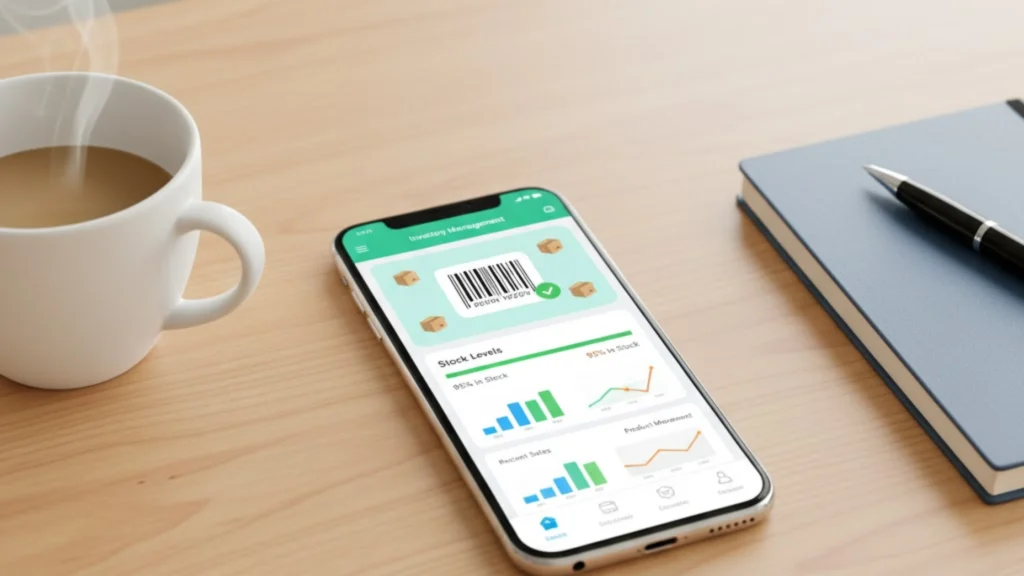
- Barcode Scanning: The ability to scan barcodes with your phone for receiving stock and conducting quick counts is a huge time-saver and a key feature for inventory control.
Understanding these features is the first step, but knowing how to implement them effectively is another. For a deeper dive into setting up your first online store with the right tools from day one, check out our guide on online store launch toolkits for beginners.
Top Inventory Management Apps for Beginners

Based on the criteria above, here are a few highly-regarded apps known for their ease of use and effectiveness for small sellers. Remember, the “best” one is the one that fits your specific business needs and budget.
- Sortly: If visual simplicity is your top priority, Sortly is a standout choice. It’s an incredibly user-friendly inventory management app that focuses on a mobile-first, visual experience. You can use photos and QR codes to track items, making it feel less like a spreadsheet and more like a digital catalog. You can start free as a new seller, and move to the advanced plans as your business needs grow.
- Odoo Inventory: For the ambitious beginner who plans to scale, Odoo offers a powerful, modular approach. You can start with just the inventory management app for free (with user limits) and then seamlessly add integrated modules for accounting, CRM, and website building as you grow.
- Square Inventory: If you sell both online and in-person (like at pop-ups or markets), Square is a seamless solution. Its inventory management app is built directly into its point-of-sale (POS) system. When you sell an item in your physical space, your online stock levels update automatically. This built-in synchronization is a huge time-saver for sellers who operate on multiple channels.
- QuickBooks Commerce: A powerful all-in-one inventory management app that is excellent for sellers who are scaling quickly. It offers robust multi-channel syncing and strong reporting features.
- Shopify: If you primarily sell on Shopify, their built-in system is a great starting point. It covers the basics well and integrates perfectly with your store.
- Zoho Inventory: Known for its value, Zoho offers a feature-rich experience at a competitive price. It’s a great option if you need strong order management capabilities alongside inventory tracking.
Streamlining Your Business Beyond Inventory
Implementing a great app is a massive leap forward, but it’s part of a larger process. True efficiency comes from connecting all aspects of your business.
A dedicated inventory management app often does more than just track stock. The best ones help you create purchase orders, manage suppliers, and generate insightful reports. This holistic approach transforms your supply chain management from a constant headache into a streamlined, automated process. By having a clear view of your entire operation, you can focus less on administrative tasks and more on growing your brand and efficiently serving customers.
Explore our curated resources and get personalized guidance to make your eCommerce journey smoother. From what to sell, to where to sell and how to sell, we’ve done the heavy lifting, so you don’t have to.
Frequently Asked Questions (FAQs)
Can I use a simple spreadsheet instead of an inventory management app?
While spreadsheets like Excel or Google Sheets work for a handful of products with no sales activity, they become error-prone and incredibly time-consuming as soon as you start selling across multiple channels. An app automates the process and prevents costly mistakes.
How does an inventory management app help with profitability?
It boosts profitability by preventing lost sales from stockouts, reducing money tied up in slow-moving inventory, and saving you significant administrative time, allowing you to focus on revenue-generating activities.
What’s the difference between an inventory management app and a POS system?
A Point-of-Sale (POS) system is primarily for processing in-person transactions, and many include basic inventory features. A dedicated inventory management app is more comprehensive, focusing on centralizing stock control across all your channels (online and offline), offering deeper insights and automation for your supply chain.